
Mazaya Blog Where the Future is Made
Procurement, Warehousing and Vendor Management for Retail in Dynamics 365 F&O
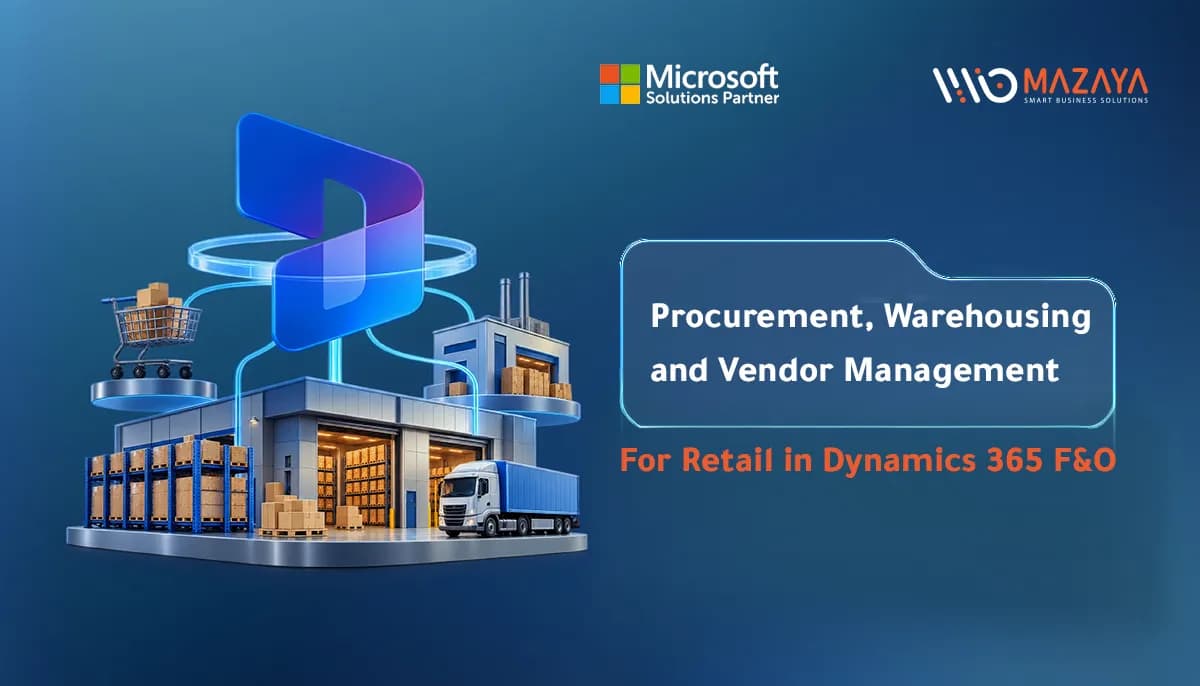
Retail warehouse management means connecting what you buy to what you receive, store, distribute to branches and sell, in one chain instead of separate files and systems. In Dynamics 365 F&O, procurement, warehouses, vendors and finance run on the same data, so the CFO and the operations director see the same number at the same moment.
Naming note: the market uses F&O to mean Dynamics 365 Finance and Dynamics 365 Supply Chain Management together. Procurement and warehousing sit in Supply Chain Management.
Picture a retailer with fifty branches across Saudi Arabia and Kuwait. Purchase orders go out by email, goods arrive in a quantity that differs from the invoice, and the Jeddah branch runs out of its best seller while slow movers pile up in the central warehouse. This is not an employee problem. It is a system that does not connect the links. This article shows how Dynamics 365 F&O connects them, step by step.
1. The purchase cycle from request to payment
The cycle starts with a purchase requisition from a branch, then approval, a purchase order to the vendor, receipt at the warehouse, invoice matching, and finally payment. Everything is recorded in one system, so no step falls between departments.
For procurement management and vendor management, each step runs in this order:
1. A branch or warehouse raises a purchase requisition.
2. The requisition follows the approved workflow.
3. The approved requisition becomes a purchase order to the vendor at the agreed price.
4. The warehouse receives the goods and records them against the same order.
5. The vendor invoice is matched against the purchase order and the receipt.
6. Payment is made on the due date.
The value shows at step five. Suppose you ordered 500 cartons, the warehouse received 480, and the vendor invoiced 500. Three-way matching compares the order, the receipt and the invoice, shows the variance and blocks approval until it is resolved. Finance pays for what actually arrived.
2. Demand forecasting and automatic replenishment
Demand forecasting in retail estimates what will sell, based on sales history, season and events. Automatic replenishment turns that estimate into purchase or transfer orders when stock falls below a level you define.
Example: an item has a minimum of 200, a maximum of 800 and a two-week lead time. When the system projects that stock will drop below 200 within the lead time, it proposes a purchase order that brings stock back toward 800. The buyer reviews proposals instead of hunting for shortages.
The demand planning capabilities in Dynamics 365 use machine learning to build forecasts, and planners can adjust them by hand for events that history cannot show, such as a season or a campaign. These capabilities need separate activation and setup, and their scope is defined during the analysis phase.
3. Retail warehouse management: receiving, put away and picking
Warehouse operations in Dynamics 365 F&O run in three linked stages, receiving, put away and picking, executed on mobile devices that guide the worker step by step.
• Receiving: the worker scans a barcode on a handheld device, and the system checks the quantity against the purchase order as the truck is unloaded.
• Put away: location directives suggest the right place by item type and size, such as cold storage for food or upper racks for slow movers.
• Picking: waves group orders for several branches into one batch, and the device routes the worker through locations before packing and loading.
Because instructions arrive on the device, paperwork and manual entry errors fall, and the planner sees each location’s stock in real time.
4. Distributing goods to branches
Goods move from the central warehouse to branches through transfer orders, and the system sets each branch’s share by its sales and current stock instead of splitting evenly.
Example: a shipment of home appliances reaches the central warehouse. The planner sees that the Riyadh branch sells twice as much as the Dammam branch and holds less stock, so it receives a larger share.
If a surplus appears in another branch two weeks later, a transfer order moves it instead of buying again.
When integrated with point of sale through Dynamics 365 Commerce, branch sales reach demand and stock faster, so distribution decisions rest on what sold today rather than last week’s report.
5. Tracking vendor performance
Dynamics 365 F&O measures vendors from their actual records: on-time delivery, quantity accuracy, quality and price, so negotiations rely on numbers instead of impressions.
If a vendor is late on three of every ten shipments, it shows in the evaluation without manual effort. Use it to decide who gets the large quantities before peak season and who needs an improvement plan. A
vendor collaboration portal lets vendors confirm orders, and shipment dates themselves, which cuts email and phone follow-up.
6. Automation and approval workflows
Short answer: approval workflows decide who approves each order by value, item category or branch, so speed and control live in one system.
Example: small orders are approved automatically within a limit your company sets, and larger ones go to the branch manager and then the CFO. Management gets:
• An audit trail showing who approved and when.
• Fewer bottlenecks, because routine orders do not wait for a signature.
• Consistent authority across branches and countries.
7. Example: preparing for peak season (Ramadan, National Day, White Friday)
Items differ by season: groceries, dates and gifts in Ramadan, decor and apparel around National Day, electronics on White Friday. The links in the chain stay the same. This is an illustrative timeline, not a result from a specific client:
• 12 weeks before: review last season’s sales, build the forecast and lock main vendor quantities.
• 8 weeks before: issue purchase orders by lead time and adjust the forecast for events and offers.
• 4 weeks before: receive and pre-stock, placing seasonal items near the picking area.
• During the season: check each branch’s stock daily, use fast replenishment and move surplus between branches.
• After the season: compare forecast with actual sales and update settings for the next season.
8. Case study: Domino’s UK and demand planning
In a story Microsoft published in November 2023, Domino’s Pizza UK & Ireland operated more than 1,300 stores and sold more than 106 million pizzas in 2022. Its inventory planners forecast demand for four distribution centers across hundreds of spreadsheets, with one plan per supplier and another per product.
The company moved to Dynamics 365 Supply Chain Management with demand planning capabilities, having already used Dynamics 365 Finance. According to Microsoft, plans are now built and approved in
hours instead of days and forecast accuracy improved by 72 percent. Planners also add human insight such as weather or major sporting events, much like Ramadan and holidays in Gulf markets.
Lessons for retailers:
• Replacing scattered spreadsheets with one source for the forecast cuts errors and time.
• Human experience stays essential, and the system gives it faster, more accurate data.
• The gain shows in waste and unnecessary deliveries, not only in planning speed.
Source: Microsoft Customer Stories, Domino’s Pizza: Ensuring customer satisfaction with data-driven demand planning in Microsoft Dynamics 365, 1 November 2023. Domino’s is a food chain, so the logic applies to retail while warehouse details differ by sector.
How do you know your company is ready?
Ask yourself:
• How many spreadsheets does your team use for planning and buying?
• How long does it take to close receipt and invoice variances?
• Can you see each branch and warehouse’s stock in real time?
• Do you know your top five vendors’ performance in numbers?
• Are purchase orders approved by email or on paper?
If two or more answers point to manual work, it is worth assessing Dynamics 365 F&O in your company.
Request a meeting with the Mazaya team to assess Dynamics 365 F&O for your retail business.
Frequently asked questions
Does Dynamics 365 F&O support automatic replenishment?
Yes. Through master planning and minimum and maximum stock levels, the system proposes purchase or transfer orders when stock falls, and they are reviewed or approved according to your policy and approval workflow.
What is the difference between demand forecasting and replenishment?
Forecasting estimates what will sell in the future. Replenishment turns that estimate and current stock into a purchase or transfer decision with the right quantity and timing.
Is Dynamics 365 F&O suitable for mid-sized retailers?
F&O is designed for companies with many branches, legal entities and complex operations. For smaller companies, Dynamics 365 Business Central may fit better, and an assessment phase identifies the best option.
Can it connect to point of sale and online stores?
Yes, through Dynamics 365 Commerce or custom integrations, so sales flow into stock and demand.
Where should we start?
Start with a short analysis phase that sets the priority between procurement, warehousing and forecasting, then implement in stages instead of one large project.
We're here to help you connect with us easily
A member of our team will reach out to you shortly after you submit your information.